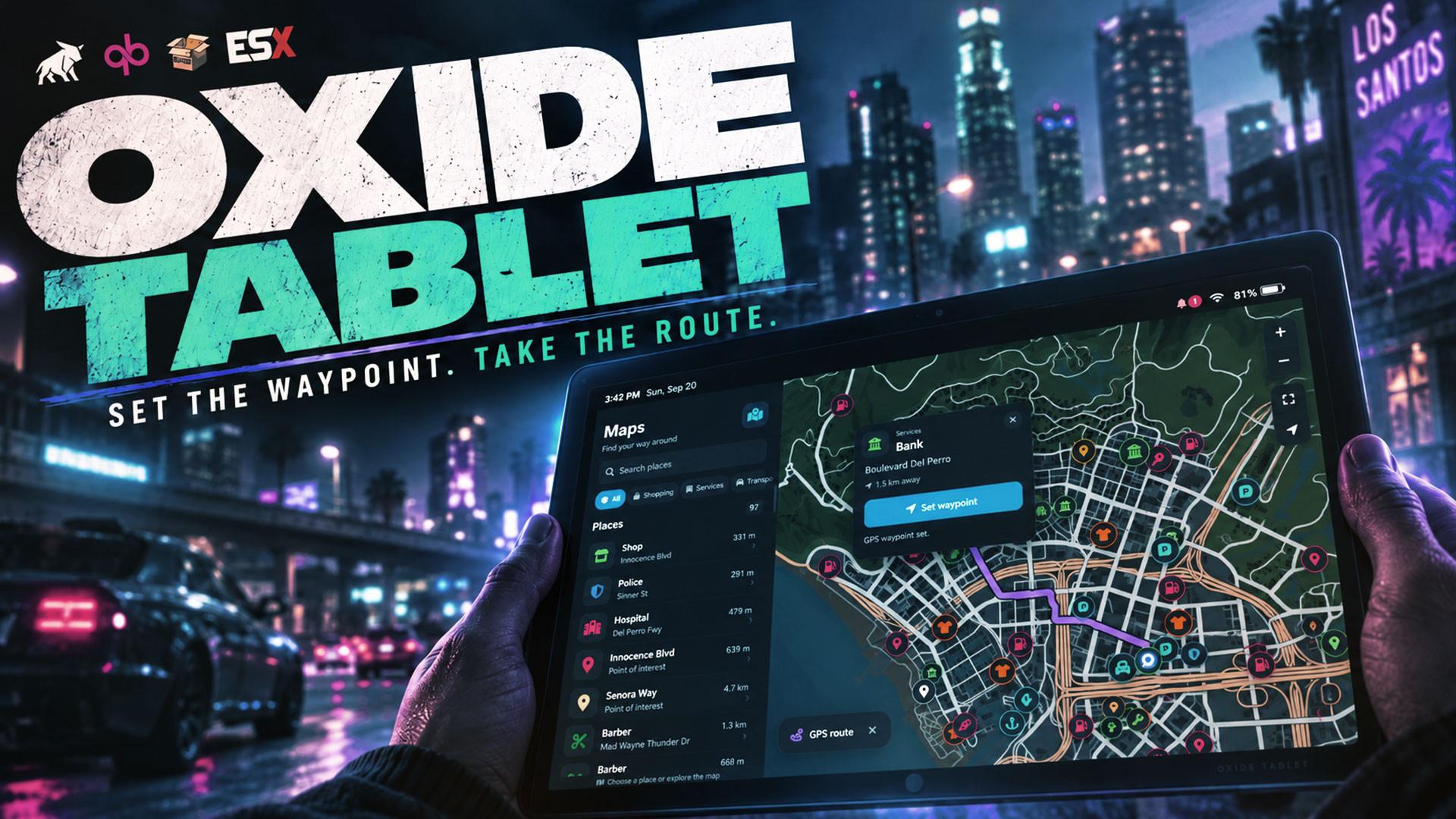
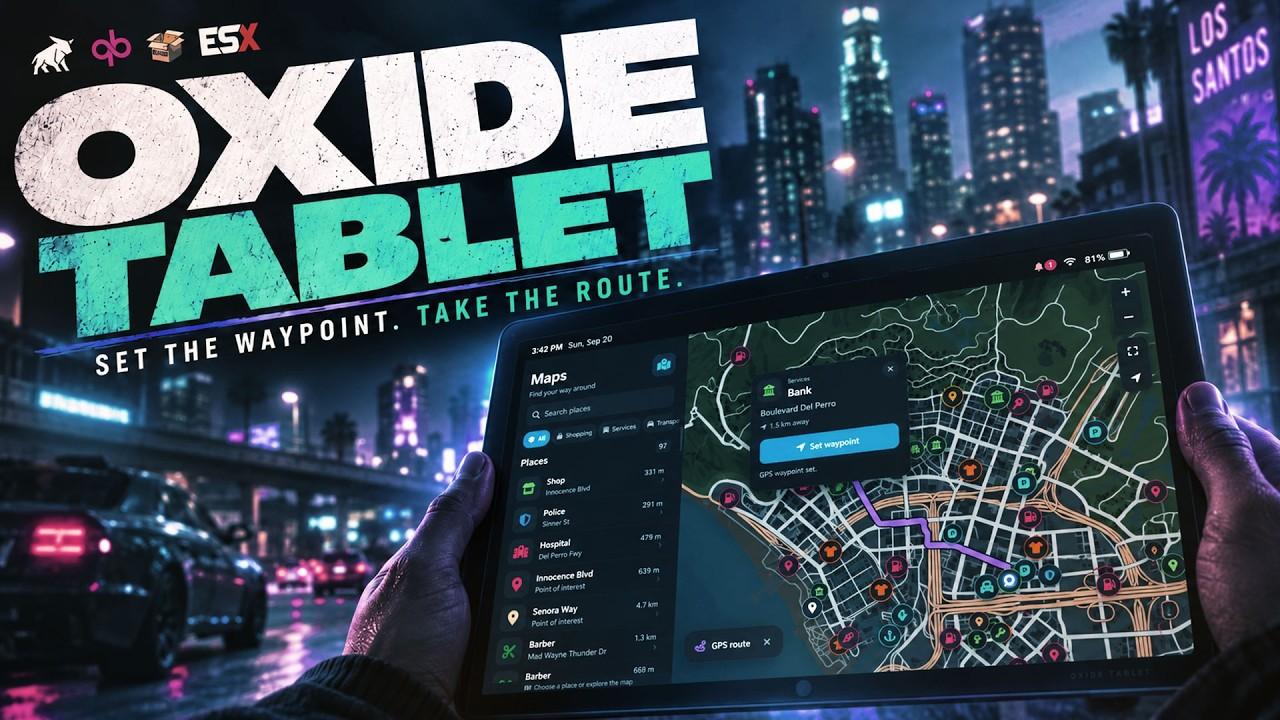
 Oxide Tablet
OXIDE
TABLET.
Your apps. Your world.
One device.
Give your players a place to make their own. A customizable tablet with an App Store, live widgets, and a home for the resources that run your server.
3
Built-in apps
5
Home screen pages
6
Apps in your dock
Yours
Every device, every layout
Feels familiar.
Made for roleplay.
Explore the details that turn a menu into a device your players actually use.
Make room for your routine.
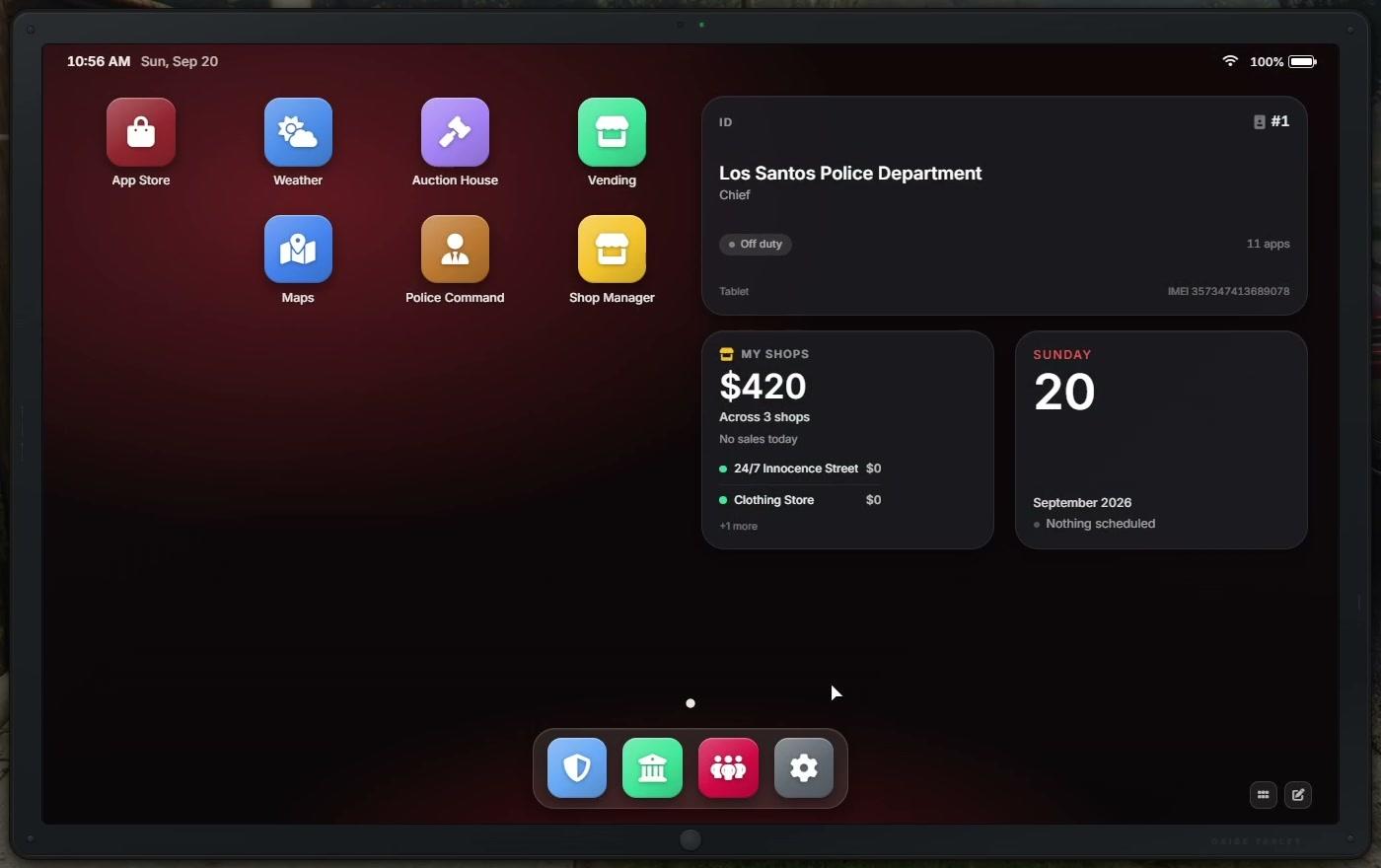
Drag apps into place, keep your favorites in the dock, and build a home screen that feels like yours.
Up to 5 pages · 6 dock apps · 8 built-in wallpapers
Recorded in game. Additional resource apps shown are available separately.
One tablet. More possibilities.
Banking, weather, gang territories, shop management. Compatible resources bring their own interfaces to the tablet, so players can reach them from one home screen.
Same item.
Its own identity.
Every tablet item gets a unique 15-digit IMEI. Its layout, installed apps, settings, and battery stay with the device when it changes hands.
- Separate layouts and installs for each device.
- Configurable battery drain and recharge.
- Notifications, app badges, and alerts while put away.
Your rules.
Changed in game.
Open the live settings editor with /tablet settings. Configure devices, apps, notifications, and maps, with most changes applying without a restart.
- Lock work-issued devices to a fixed app list.
- Preinstall apps or disable the App Store.
- Save settings to the database; reset devices by IMEI.
Your resource.
On their home screen.
Register apps, publish widgets, and send notifications through o-link. A host shim lets you mount an existing NUI page inside the tablet.
Build your first app ↗olink.tablet.RegisterApp({
id = 'my_app',
label = 'My App',
resource = GetCurrentResourceName(),
url = 'web/dist/index.html',
})Registration example. The developer guide covers setup, lifecycle, and the host shim.
Ready for your server.
Included
- App Store, Settings & Maps
- Calendar & ID widgets
- Device identity & battery
- Notifications & live settings
- App and widget developer API
Frameworks
- QBCore
- QBX
- ESX
- Framework abstraction through o-link
Requirements
- o-link 1.8.0 or newer
- ox_lib
- oxmysql
- An inventory supported by o-link
Are all the apps shown included?
App Store, Settings, and Maps ship with the tablet, along with Calendar and ID widgets. Other apps and widgets come from compatible resources you install separately.
Does a player need a tablet item?
The item requirement is configurable. Players can open the tablet with a usable item, a keybind, or a command. Apps opened directly by another resource do not require an item.
Do layouts survive a restart or a new owner?
Yes. Layouts, app installs, settings, and battery belong to the individual tablet item. Without an item, layouts and settings are saved to the character instead.
FREE TO USE.
BUILT TO BUILD ON.
Bring your resources together. Give every player a device of their own.

Oxide Tablet
A home for your server
Your apps. Your widgets. Your way.
Oxide Studios